Aurelia
Introduction
Rob Eisenberg created Aurelia, however, he left Aurelia to join Microsoft (Iffland, 2016). Now it is maintained by a team of developers and is an open-source project (Aurelia, n.d.-b).
How it works
Aurelia offers both ESNext(Javascript) and Typescript support. It boasts a powerful, reactive system that is faster than other frameworks and their virtual DOMs (Aurelia, n.d.-b). This is because Aurelia uses a templating engine, which uses an obeservable-based binding system, which means that the UI subscribes to the event in which the data is changed, and vice-versa (Aurelia, n.d.-c). This means that on either end, if the data is changed, the other side knows about it. Aurelia's views are wrapped in Web Components, this is good because it means that Aurelia can be used with other frameworks and libraries. It also means Aurelia will remain compatible with future web standards (Aurelia, n.d.-d).
The entry point in this framework is index.ejs, instead of the usual index.html. This is so it can specify the base URL from Webpack and insert the Aurelia bootstrapper script tag into the body of the page.
Figure 3
Aurelia Logo

(Aurelia, n.d.-a).
Strengths and Weaknesses
Strengths
-
Importing the router into the navbar is simple and allows you to specify whether you want a route to show on the navbar or not.
-
Using ternary operators for data binding and attributes is very simple and easy to read.
-
The components are clear and easy to understand, with minimal code.
-
Support for both JavaScript and TypeScript.
-
Can be used with other frameworks and libraries.
Weaknesses
-
The format of the router can be confusing, as you need a name and a title for each view.
-
Limited documentation beyond the tutorial.
Example Web App
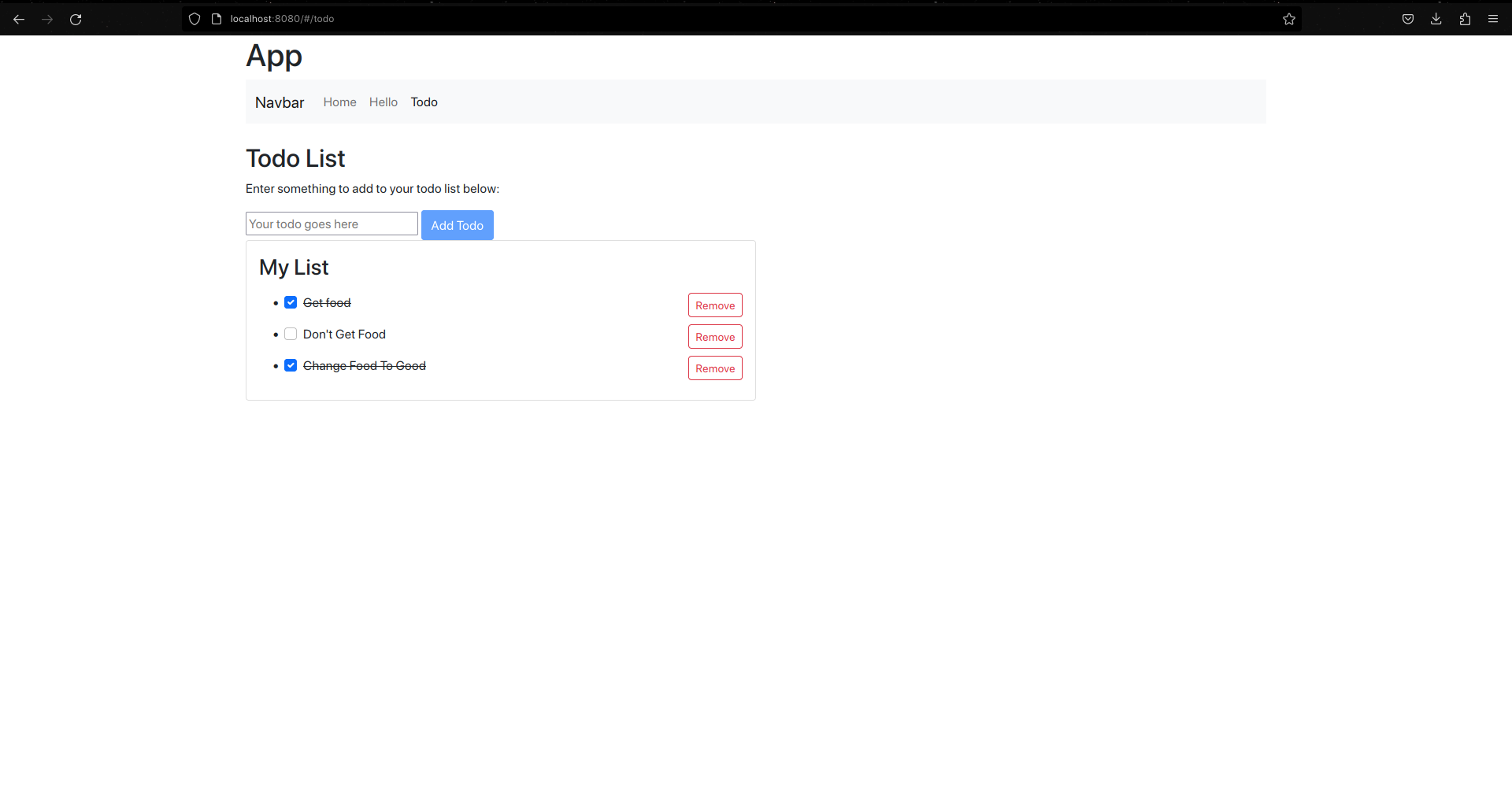
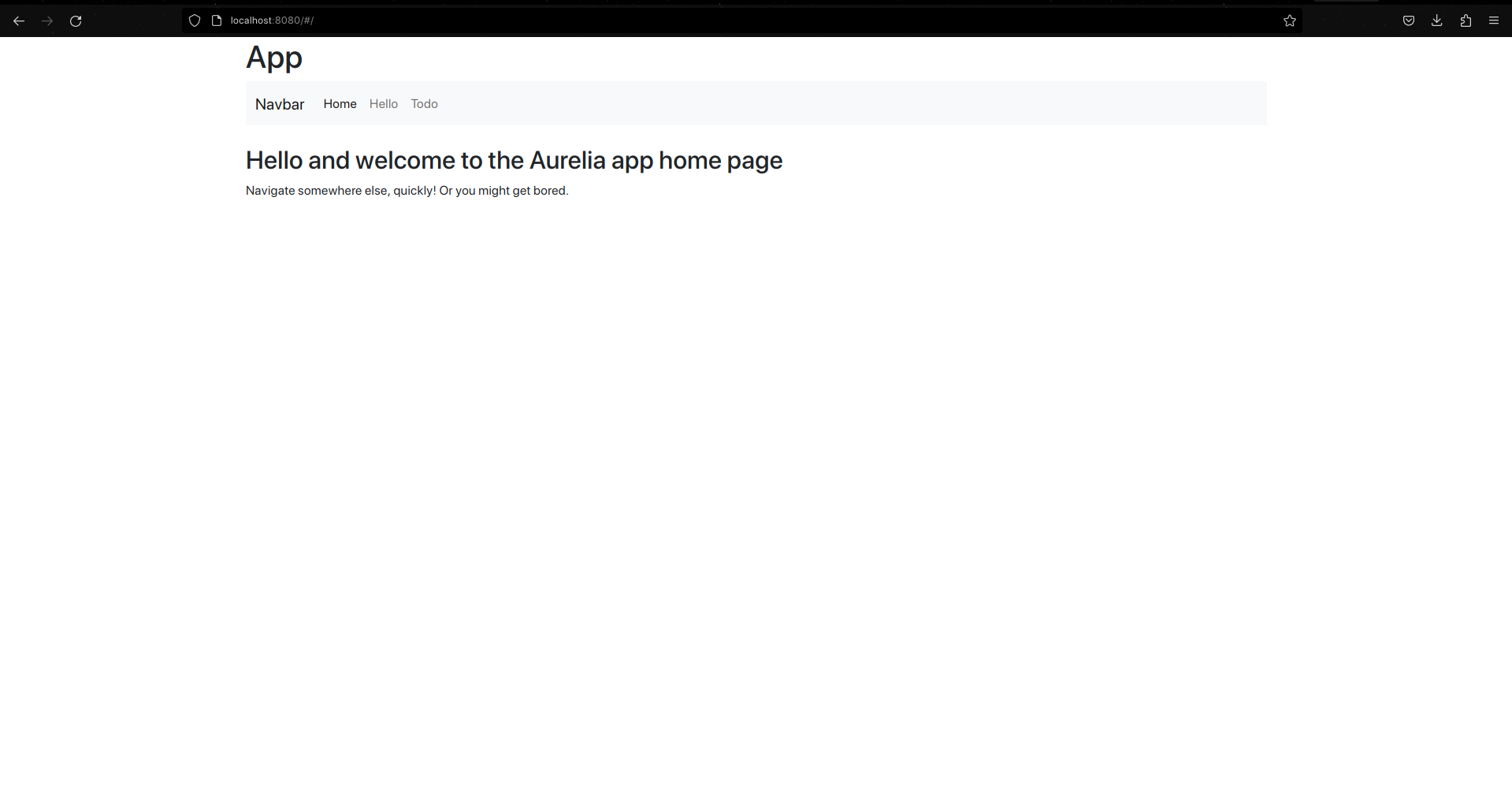
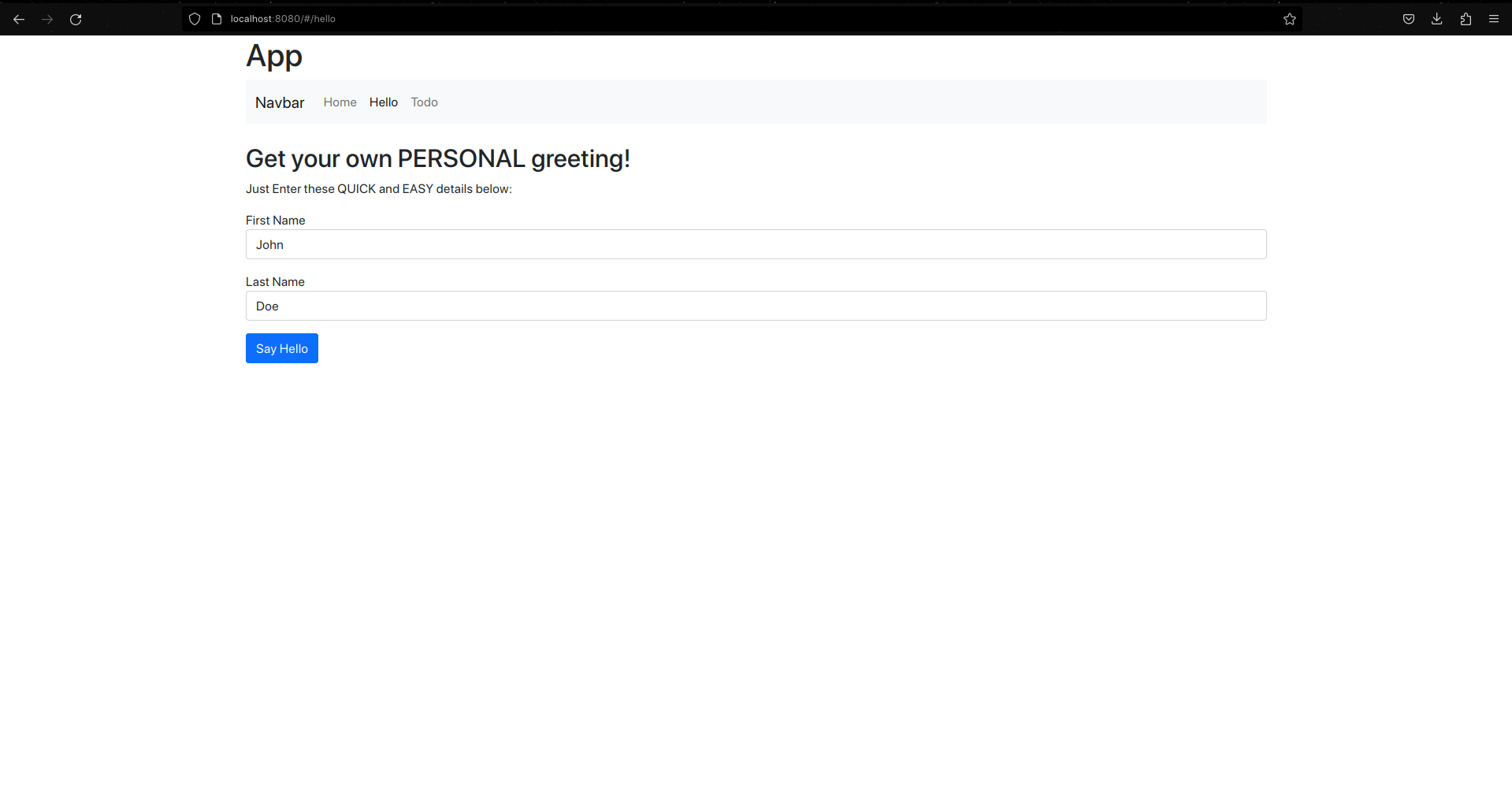
For Aurelia, I chose to use the JavaScript version. I followed a few of the tutorials on their website. The tutorials were clear and simple, and I was able to get the app working quickly. The app I made combined the to-do list and hello message with a navigation bar and view routing. The app is very simple but it was a good introduction to Aurelia.
Here's the code for the app.html, which is the default Aurelia component to be injected into the index.ejs body. All component HTML files are wrapped in a template tag. Most of this code is just dressing, the unordered list in the nav generates the navbar and the router-view tags are where the router injects views.
Gallery
The Home Page
The "Hello" Message page
The To-do List Page